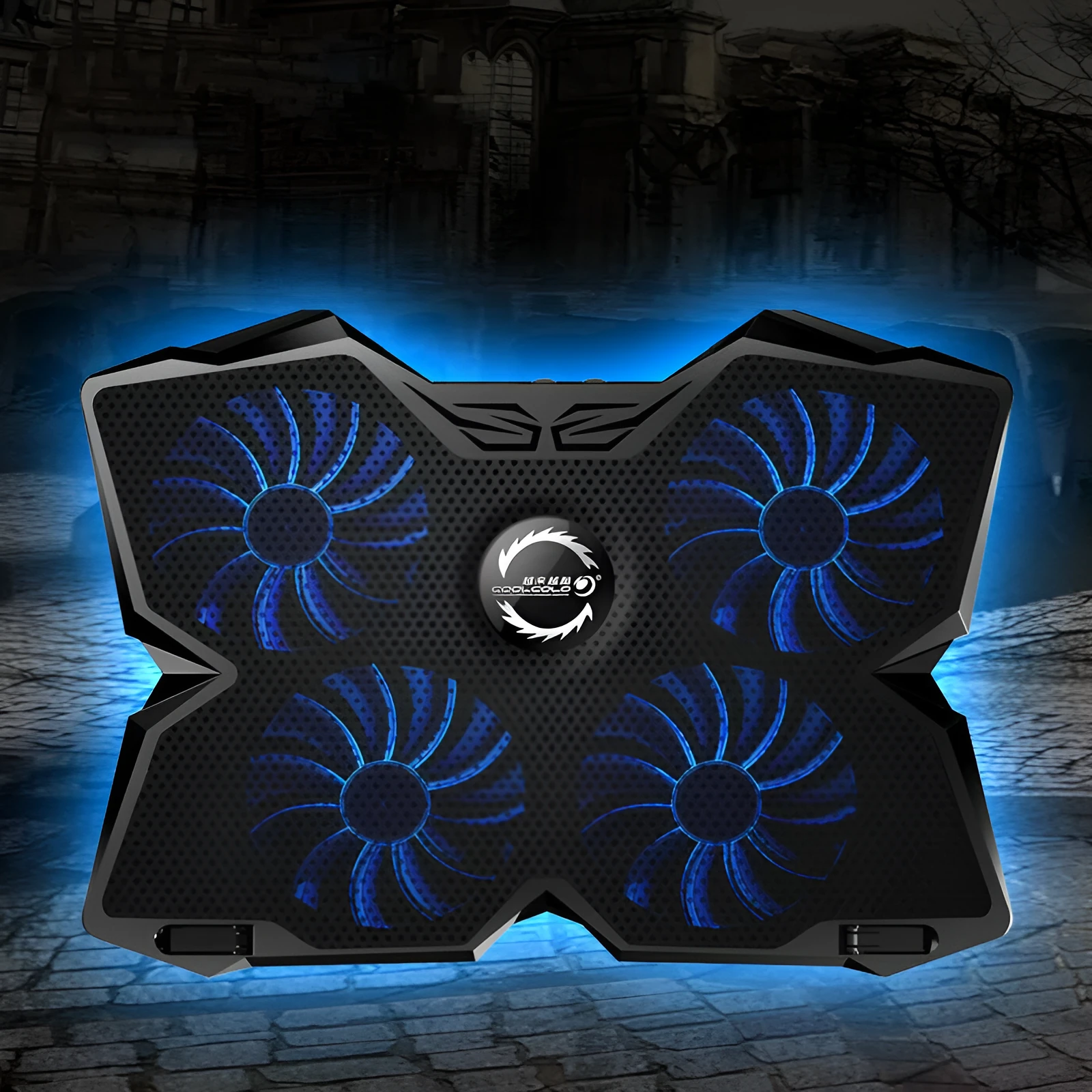
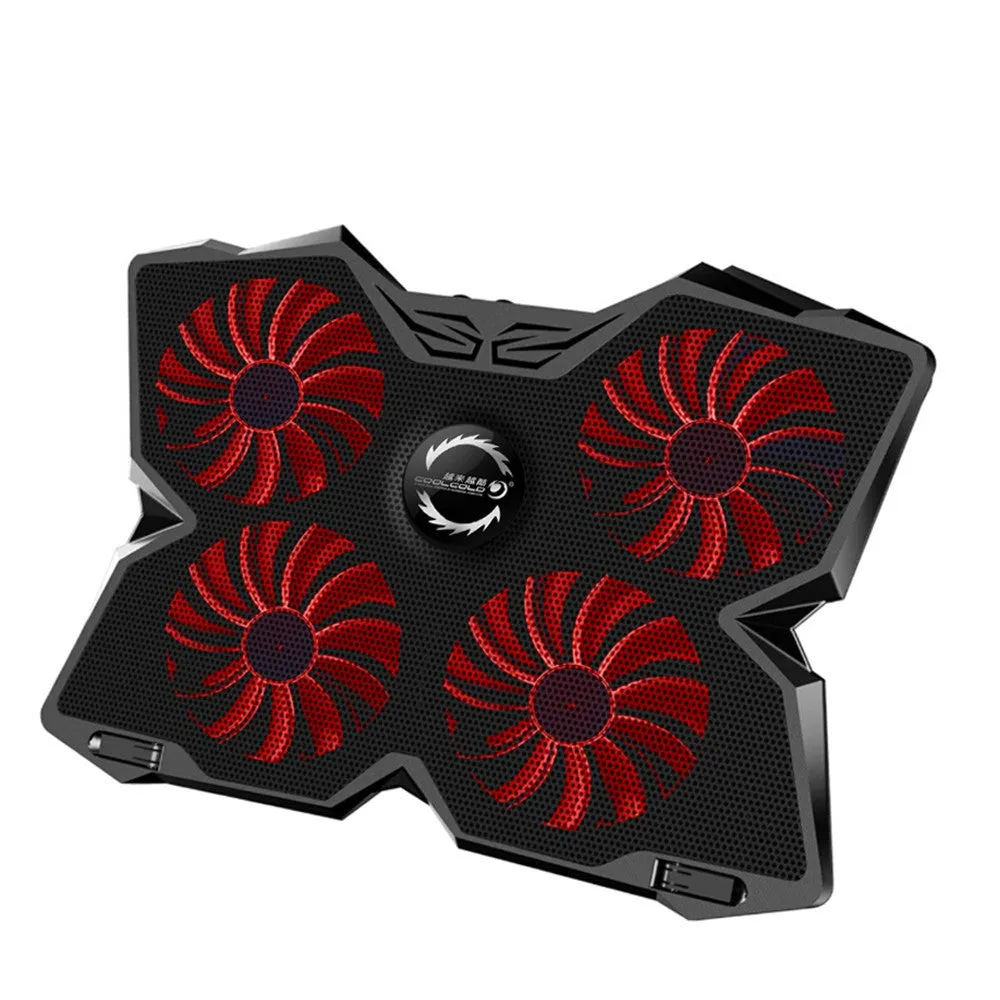
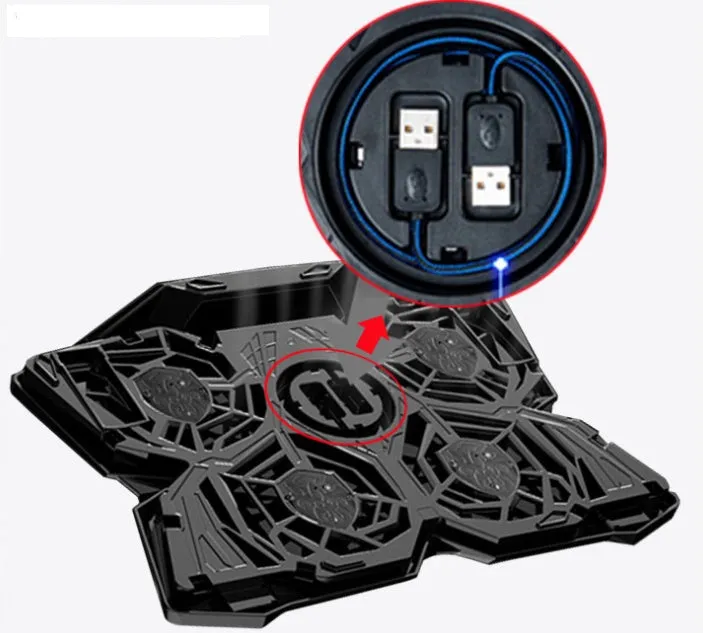
Computer cooling base with four powerful cooling fans, two adjustable speed switches, integrated dual USB ports, available in blue or red, effective heat dissipation accessory for laptops and computers


Computer cooling base with four powerful cooling fans, two adjustable speed switches, integrated dual USB ports, available in blue or red, effective heat dissipation accessory for laptops and computers
Computer Cooling Base with Four Adjustable Fans and Integrated USB Ports
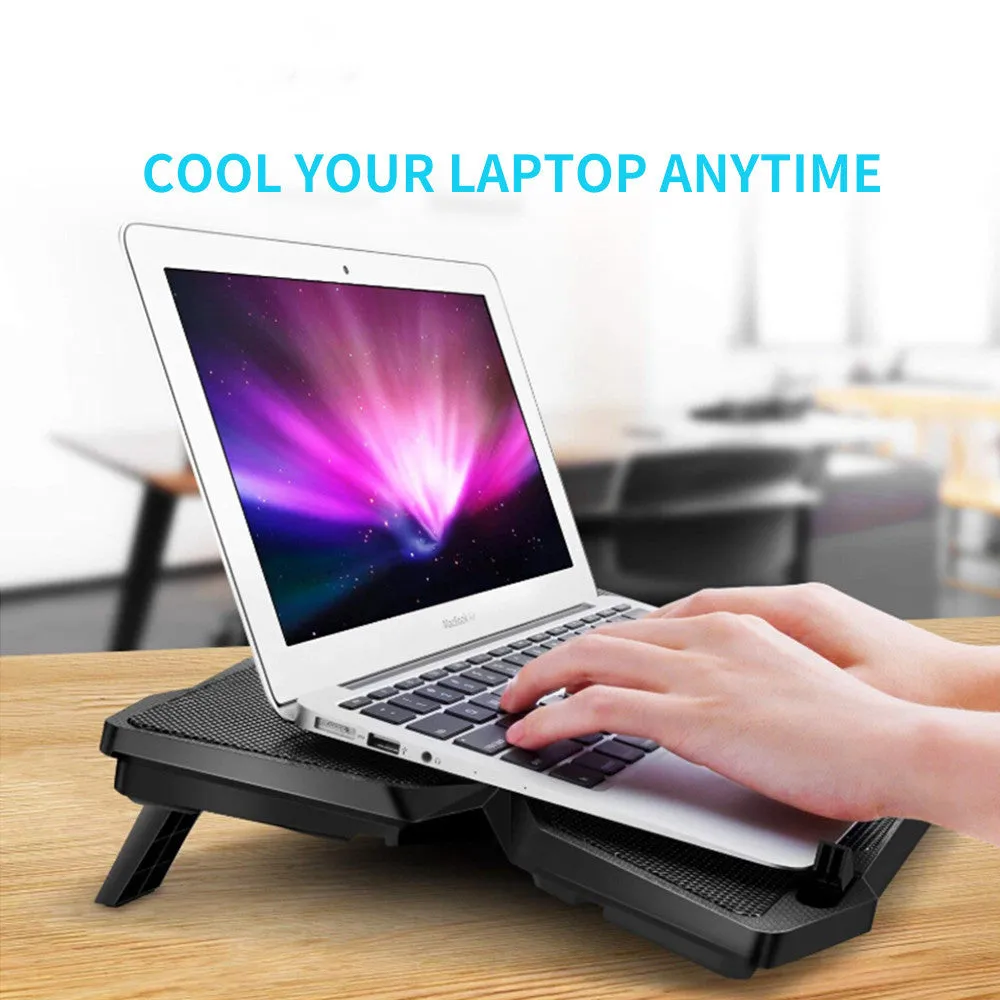
Designed to address computer overheating through active air cooling, this cooling base incorporates four powerful fans with individual speed control. The integrated dual USB ports offer practical connectivity solutions, while the available blue and red colour options provide visual customisation. This accessory serves as a functional addition to computer setups where thermal management and peripheral connectivity are priorities.
Features and Construction

The cooling base combines multiple functional elements into a single unit designed for computer temperature regulation. With its air cooling methodology and adjustable components, it provides a straightforward approach to managing system heat during extended use periods.
Material and Build
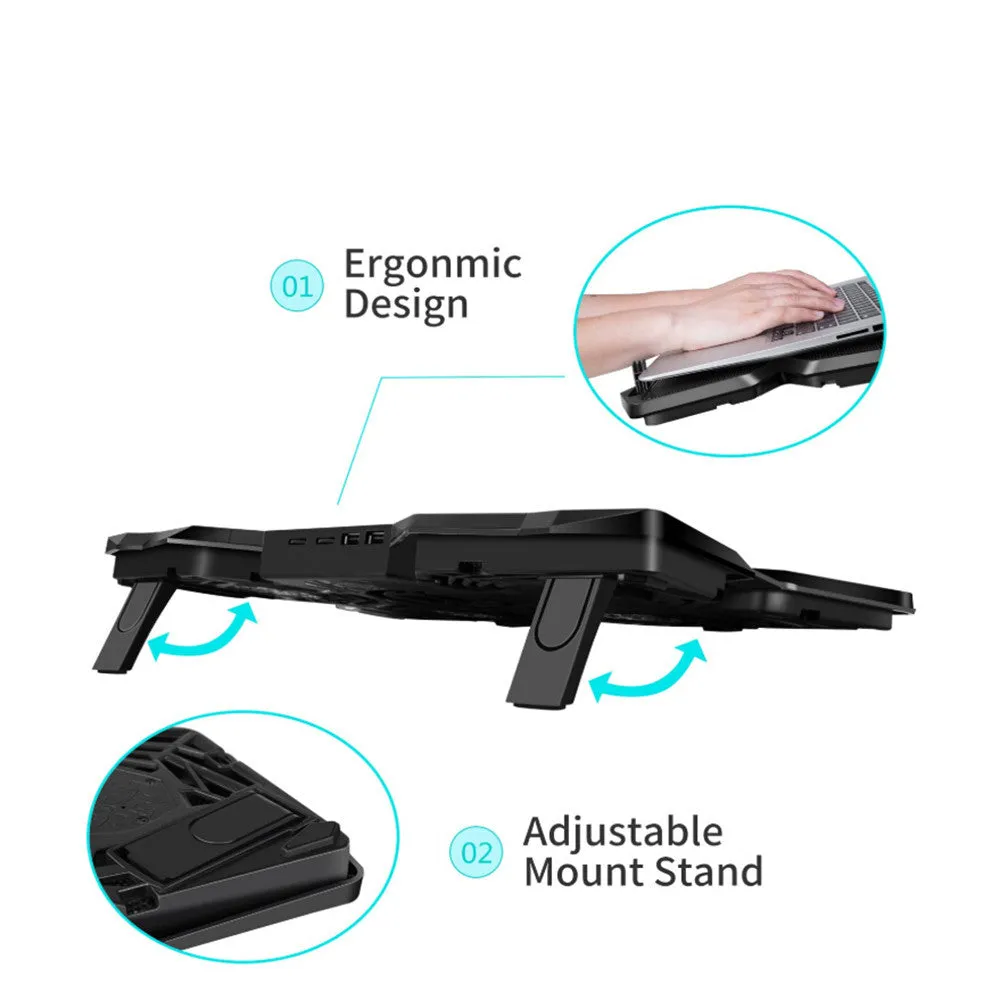
While specific construction materials are not detailed in the source text, the product features four powerful cooling fans equipped with LED indicators. The inclusion of two separate fan switches allows for manual adjustment of cooling intensity, providing control over airflow based on thermal requirements. The integrated USB ports are built directly into the unit's housing.
Size and Practical Fit
The cooling base measures 0mm according to the available specifications, suggesting a design intended to accommodate various computer sizes. The four-fan configuration distributes airflow across the base surface area, while the colour options of blue or red offer visual differentiation. The product's physical dimensions are designed to support computers while providing the described cooling functionality.
Uses and Placement
This cooling base serves practical applications in both home and professional computer environments where thermal management contributes to system performance and longevity. Its design addresses common overheating scenarios through active air circulation.
Event or Professional Use
In settings requiring extended computer operation such as gaming sessions, video editing workstations, or data processing environments, the adjustable four-fan system allows users to increase cooling during intensive tasks. The dual USB ports provide convenient access for peripheral devices without occupying computer ports, particularly useful in setups with multiple connected accessories. The LED fan indicators offer visual confirmation of operational status.
Everyday Home Use
For general computing tasks, homework stations, or media consumption setups, the cooling base helps maintain consistent operating temperatures. The two speed switches enable energy-efficient operation during lighter use, while the colour options allow the accessory to complement existing computer aesthetics. The air cooling method provides continuous thermal regulation without complex installation requirements.
Benefits and Buying Value
The cooling base offers practical advantages through its combination of thermal management and connectivity features. Its design focuses on addressing specific computer cooling needs with adjustable functionality.
Reuse and Low Maintenance
The product's construction supports repeated use across different computing sessions and applications. The manual speed control via two switches provides straightforward operation without complex software dependencies. The air cooling methodology typically requires minimal maintenance beyond occasional cleaning of fan surfaces to maintain optimal airflow.
Why Choose This Product
This cooling base distinguishes itself through its four-fan configuration with individual speed control, offering more granular thermal management than single-fan alternatives. The integrated USB ports provide additional utility beyond basic cooling functions. The available colour options allow users to select a unit that matches their setup preferences, while the LED indicators offer immediate visual feedback on operational status.